
Risk Trading on margin is high-risk and fits only part of an investment plan.

So you want to know what it is actually like to trade CFDs using the Plus500 Android app. The short answer: it is a fast, self-contained experience that puts the whole trading process into a single, well-designed mobile interface. No third-party platforms here, just the dedicated Plus500 mobile app.
This page is a practical walkthrough. We will look at the app's features, the real costs, the regulations that apply to Australian traders, and what to watch out for in your first few weeks. If you are new to trading, we will explain terms like CFD, spread, and leverage as we go.
The App in Daily Use
The first thing you notice is how quickly you can get from opening the app to looking at live prices. The interface is clean, with a simple search function to find markets like the ASX 200, XAG/USD, or gold. Your watchlist is front and center, and tapping on any instrument gives you a clear chart with drawing tools and order types.
- Cards
- Deposit arrives: instant · Withdrawal takes: 2-5 business days
- Bank transfer
- Deposit arrives: 1-3 business days · Withdrawal takes: 3-5 business days
The Plus500 app is a proprietary platform, meaning the company builds and controls the entire experience. This has a big advantage: the app feels unified. Everything from deposits to trade history is in one place, and the mobile version is not a stripped-down copy of the web platform. It is designed for trading on the move with a thumb-friendly layout.
For notifications, you can set price alerts for any instrument. This is helpful if you are watching a market but do not want to stare at the screen all day. The app will ping you when the price hits your level. You can also manage open positions and pending orders directly from the notification.
How Plus500 Is Regulated in Australia
Before trading, you need to know who holds your money. In Australia, your account is with Plus500AU Pty Ltd, ACN 153 301 681, based in Sydney. This entity is licensed by the Australian Securities and Investments Commission (ASIC) under Australian Financial Services Licence number 417727.
- Licence it holds
- ASIC AFSL 417727
- What it covers here
- ASIC regulated
- What it does not cover
- Plus500 is not presented here as having a confirmed top-tier regulator in the exact sense of a fully regulated FCA/CySEC/ASIC/SCA-class broker, so
- Where to check
- ASIC FSG and Plus500 AU - Primary verification comes from the Plus500AU Financial Services Guide and Plus500 Australia support/about pages.
This is a critical point for trust. ASIC has strict rules for CFD providers. Retail clients get negative balance protection, meaning you cannot lose more money than you deposit. ASIC also requires margin close-out protection and bans brokers from offering bonuses or rebates to encourage retail clients to trade.
CFDs are traded over-the-counter (OTC), not on a licensed exchange like the ASX. This is normal for the product, and it is legal in Australia when offered by an AFSL holder. The practical impact is that you are trading against the broker's price feed, not a central market, so understanding the spread (the difference between buy and sell price) is essential.
Fees, Leverage, and the Fine Print
Plus500 operates commission-free on trades, with costs embedded in spreads and other product-specific fees.
Key costs for Australian account holders:
| Cost Item | Details |
|---|---|
| Commission | A$0 |
| Spread (XAG/USD) | From ~0.8 pips, built into the buy/sell price |
| Overnight Funding | Applied to leveraged positions held after the daily cutoff |
| Currency Conversion | Fee applied if trading instruments not in AUD |
| Inactivity Fee | ~USD 10/month after 3 months of no trading |
Leverage is a major factor. ASIC caps retail leverage for CFDs. This is a protection measure, and it is lower than what many offshore brokers advertise. The caps are:
| Asset Class | Max Leverage |
|---|---|
| Major Currency Pairs | 30:1 |
| Minor Pairs, Gold, Major Indices | 20:1 |
| Other Commodities, Minor Indices | 10:1 |
| Shares and Other Assets | 5:1 |
| Crypto-assets | 2:1 |
What does this mean in practice? If you trade XAG/USD with 30:1 leverage, you only need about 3.3% of the trade's value to open it. So a $1,000 deposit can control a $30,000 position. That can amplify gains, but it also means market swings hit your balance faster. ASIC's caps are designed to prevent the most dangerous scenarios.
Deposits, Withdrawals, and Currency
The base currency for your account is the Australian Dollar (AUD). This simplifies things for local traders, as you avoid frequent currency conversion fees on deposits.
Funding methods vary by minimum amount:
| Payment Method | Minimum Deposit |
|---|---|
| Card / E-wallet | A$100 |
| Bank Transfer | A$500 |
Deposits are usually instant for cards and e-wallets. Withdrawals are processed by Plus500, and the speed then depends on your bank. Reviewers consistently note that withdrawals are straightforward but can take 3–5 business days to hit a bank account after the request is approved.
Australian-facing reviews consistently note the lack of telephone support. Support is available via live chat and email. The live chat is generally responsive within the app.

What Could Go Wrong
The Plus500 app is solid, but let us be honest about the constraints. A few points can be tricky if you are not paying attention.
The closed platform means no third-party tools. If you are used to MetaTrader 4 (MT4) or MetaTrader 5 (MT5), you will find Plus500 restricts you to its own software. There are no Expert Advisors (EAs) or algorithmic trading bots. Everything is manual. This is good for beginners who want simplicity, but it limits advanced traders.
| + | Forex / CFDs | available |
| + | Local stocks | available |
| – | US stocks | not available |
| + | Crypto | available |
| + | Commodities | available |
Tax is another factor Australian residents must consider. The Australian Taxation Office (ATO) treats forex and CFD profits based on your circumstances. If trading is how you make a living, profits are likely treated as ordinary income. If it is a hobby, they may fall under capital gains rules. The important part is keeping accurate records and being consistent in your classification.
Mobile App vs. Alternative Platforms
For Australian traders, the comparison often comes down to Plus500's proprietary app versus brokerages using MT4 or MT5.
| Feature | Plus500 App | MT4/MT5 Based Brokers |
|---|---|---|
| Platform | Proprietary, app-only | Industry standard, third party |
| Usability | Very simple, fast to learn | More complex, steeper curve |
| Automated Trading | Not available | Available (EAs and scripts) |
| Charting | Good for basics, not advanced | Extensive, with more indicators |
| Watchlist Sync | Cloud-synced across devices | Varies by broker |
The Plus500 app wins on ease of use. You can open a trade in under ten seconds once you understand the interface. The trade-off is customization. In a platform like MT4, the possibilities for indicators and automated strategies are much greater.
Choose it when
You are new to trading and want a clean, safe starting point. The ASIC license gives you strong retail protections, and the app makes it easy to trade without feeling overwhelmed. The demo account gives you unlimited free practice, which is a rarity and worth using first.
Reconsider when
You already use advanced charting or automated trading tools. If you rely on MT4/MT5 plugins or need complex order types, the closed Plus500 system will frustrate you. Also, if you strongly prefer telephone support, this broker does not offer it.
- Suits
- Retail and Professional
- Swap-free account option
- No Islamic account
- Does not suit
- Plus500 is not presented here as having a confirmed top-tier regulator in the exact sense of a fully regulated
- Currency note
- AUD and others
There is also the matter of leverage. ASIC's limits are stricter than what other jurisdictions offer. If you have previously traded with higher leverage elsewhere, you will notice the difference. That is generally a good thing for your account balance, but it changes the strategy.
Android-Specific Features
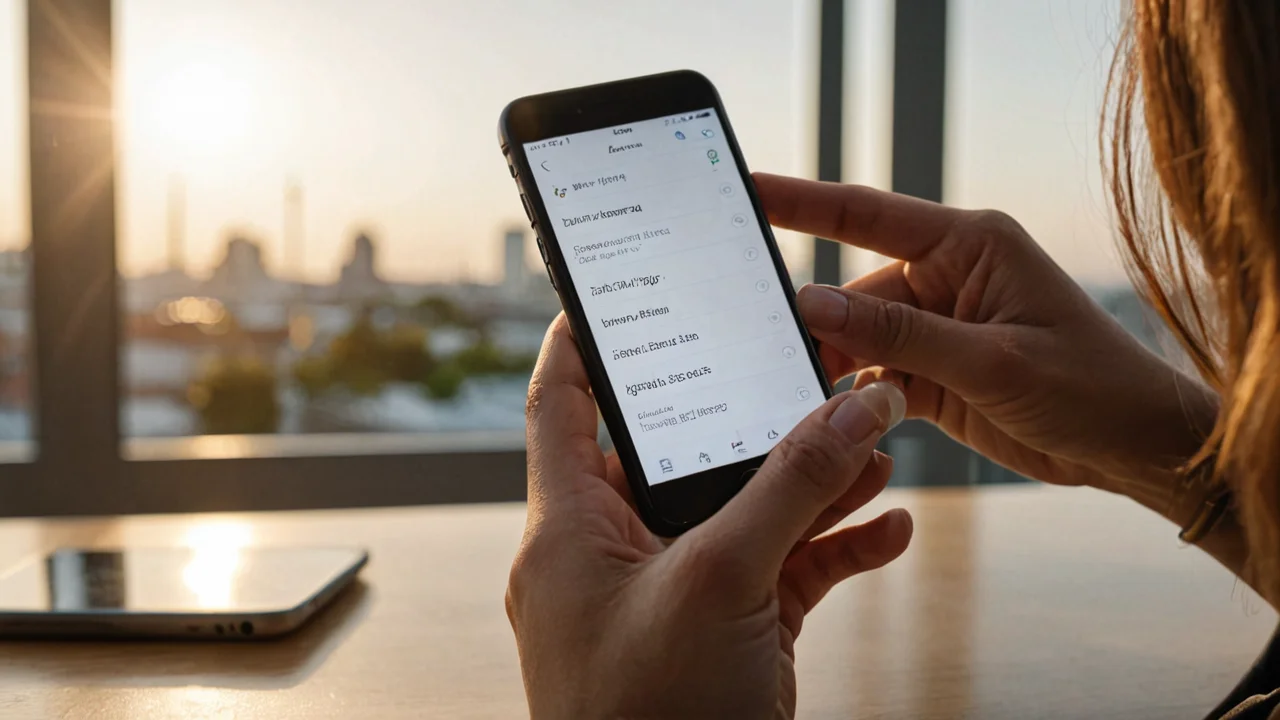
The app is optimized for phone use, with a trading view that works well in portrait mode. You can easily rotate the phone for a wider chart view.
The app includes a feature called "Plus500 Invest" for share dealing, though this depends on your eligibility and may not be available in all cases. The primary function is CFD trading, which is what we have covered here.
Notifications work well on Android if you allow them in settings. You can set alerts like "Price above 1.1050" or "Price below 1.0950" for any currency pair. The app also sends you updates on your open positions and margin levels, which helps prevent surprises.
Your First Weeks Expectation
In your first few weeks, the experience will be simpler than you think, if you let the app guide you.
The first week should be entirely demo. Plus500 offers a free unlimited demo account with the same interface and real-time prices, but virtual funds. On Android, you switch between demo and real mode with a toggle, though you need to be careful not to confuse them.
In your second week, if you trade with real money, start with the A$100 minimum deposit via card or e-wallet. Focus on one market, like XAG/USD or gold, and learn its daily rhythm. With ASIC leverage caps, your risk per trade is easier to manage than it is with offshore brokers.
By the end of the first month, you will know if the app fits your style. The key habit to build is checking your open positions every morning. Use the app's price alerts to signal when to look at the market. Read the ATO's guidelines on forex trading income to ensure you are recording your trades correctly.


Questions
Can I use automated trading bots on the Plus500 Android app?
+
No. Plus500 uses its proprietary WebTrader platform on mobile. The app does not support MT4/MT5, Expert Advisors (EAs), or any third-party algorithmic trading tools. All trading is manual.
Does the Android app have a demo mode?
+
Yes. Plus500 provides a free unlimited demo account. It mirrors the real app interface and uses live market prices, but you trade with virtual money. You can switch between demo and real modes in the app settings.
Is there a phone number to call for support in Australia?
+
No. Plus500 does not offer telephone support. You can reach support through in-app live chat, email, and sometimes WhatsApp. The live chat is generally available during market hours.